Families
A family planner app for two parents
Updated · by the Simpleban team
In short
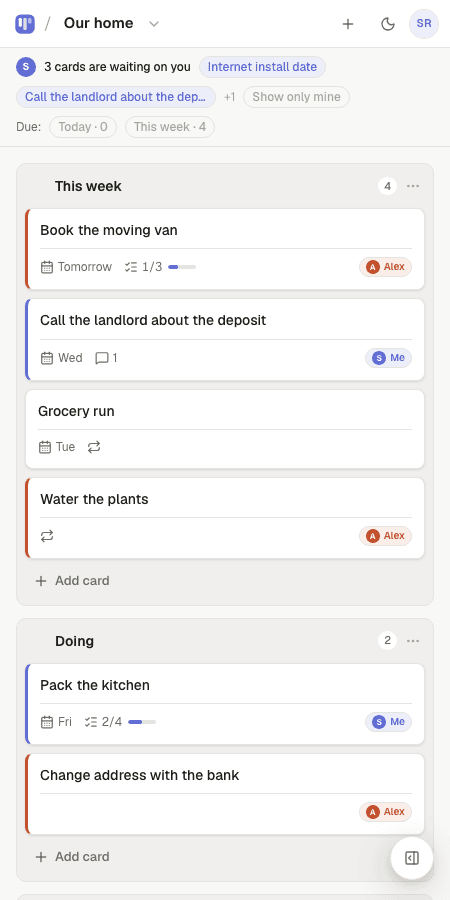
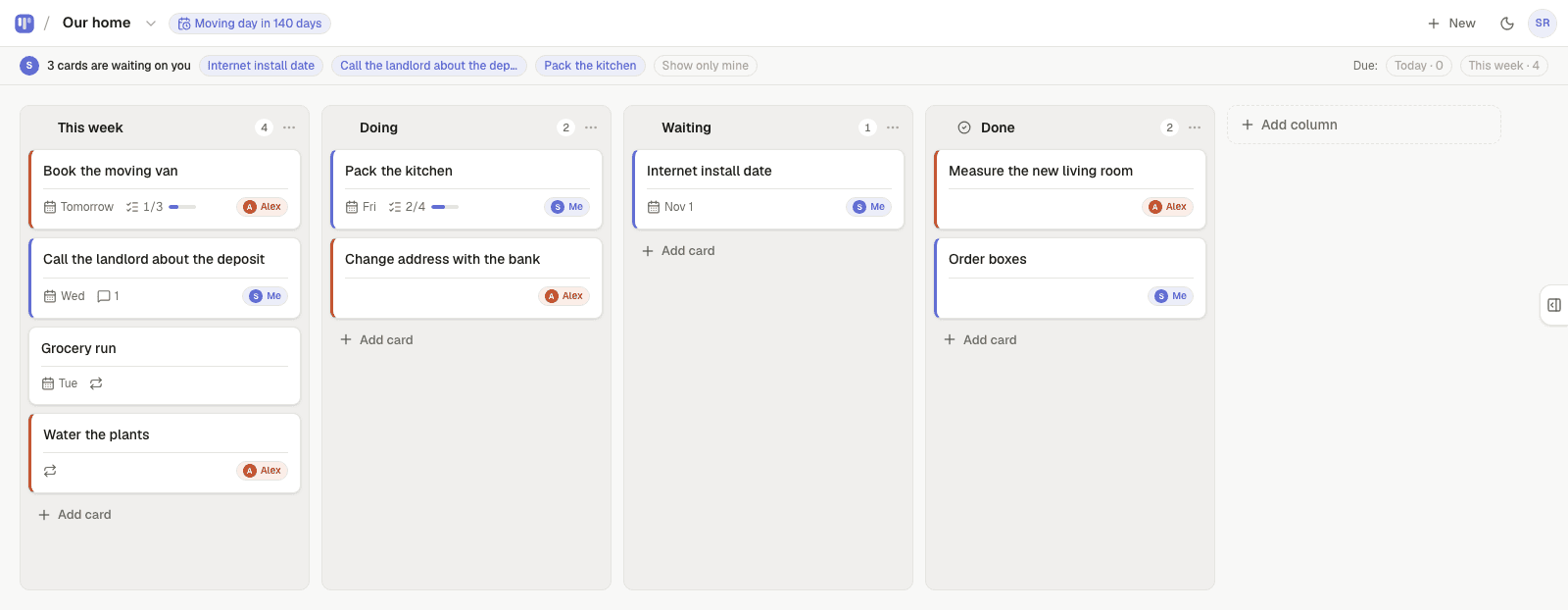
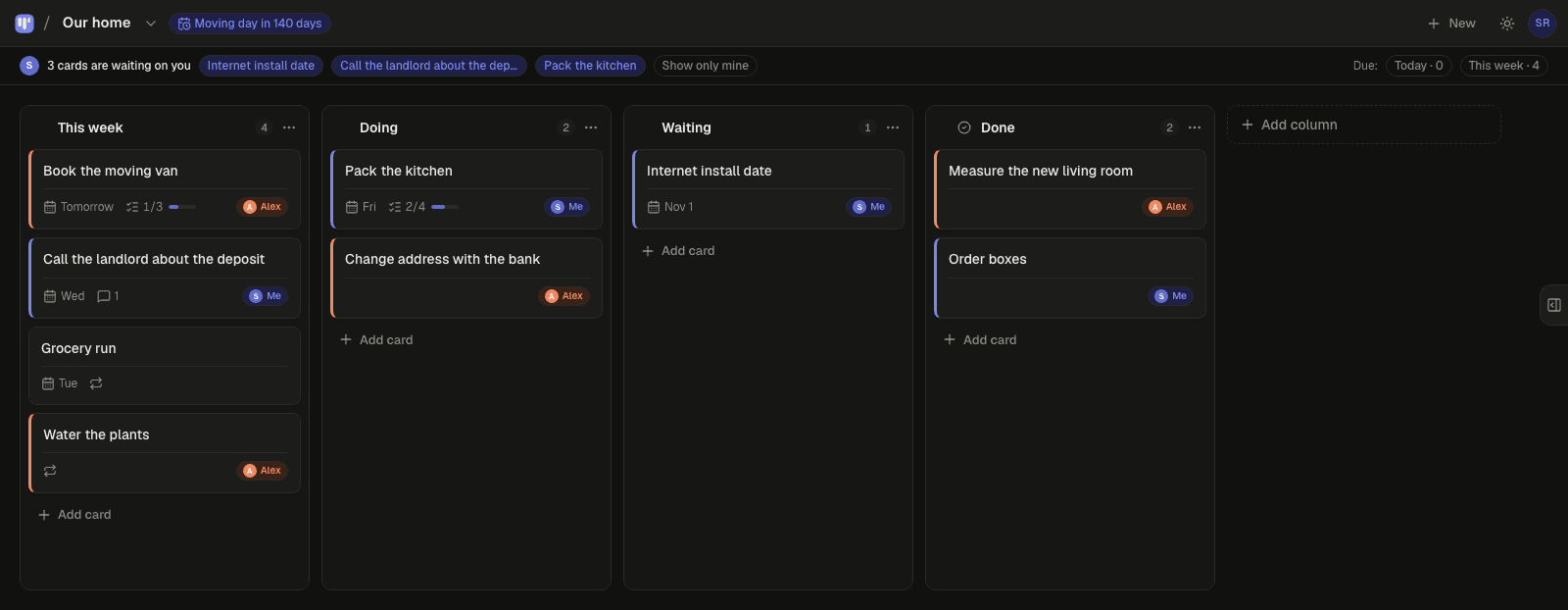
Most family planner apps are calendars with a shared to-do list bolted on, and the to-do list still has one owner: whoever remembers. Simpleban is a free kanban board built for exactly two people — the two parents — where every task is a card assigned to you, your partner, or either of you, the weekly routine (swim kit, library books, bins) repeats by itself and can alternate between you, due dates sit in a calm Today / This week filter, and whoever has something waiting gets one short email at 8am. It doesn't replace the family calendar; it replaces the mental load of the list.
What goes on a family board
- School and nursery admin: forms, fees, trips, costume week.
- Health: appointments, prescriptions, vaccinations — with a due date and an owner.
- The weekly rhythm as repeating cards: swim kit Thursday, library Monday, bins Tuesday.
- The house: the broken thing, the thing to order, the thing to return.
- The nice stuff: a column for weekend ideas and a countdown to the holiday.
Why ownership matters more than the calendar
A shared calendar shows when; it never shows who. The gap between the two parents' mental load lives in “who is on this?” — and a card with one owner answers it without a conversation. The Show only mine filter gives each parent a clean list of their own, and the Sunday summary email shows both of you what moved this week.
- Every card has an owner: you, your partner, or either of you — so “who is on this?” is answered before anyone asks.
- Hand a card to your partner and it moves to the top of their board under “waiting on you”. If they're not on the app, Simpleban emails them a few minutes later, and the next morning's 8am email mentions it once if it's still waiting — never every day. You never press a “remind” button.
- When your partner is done, they hand it back and it reappears at the top of your board.
- Repeating cards come back on their own schedule — daily, weekly, chosen weekdays, every N days, monthly — and can alternate between the two of you.
- Due dates with a calm Today / This week filter, a private calendar feed for Google, Apple or Outlook, and a countdown on the board for the date that matters.
- Notes, checklists and comments live inside each card, so the context travels with the task.
- Your partner joins from your invite link with a name and an email — no password, nothing to pay. Both of you have the full app on your own phone; it installs like an app and works offline for reading.
With a nanny, grandparents or a co-parent
Simpleban is for two editors. Many families use one parent account (both parents sign into it) plus a nanny or au pair, and give grandparents a read-only link. Separated parents use it between the two households — see the co-parenting page.
Templates to start from
Questions, answered
- Is this a shared family calendar?
- No. It's the task board next to your calendar. Due dates appear in a private calendar feed you can add to Google or Apple Calendar, but events and schedules stay where they are.
- Can the kids use it?
- Simpleban is built for two adults. Older children can look at a read-only link; the two editors are the parents.
- Does it work for a single parent and a nanny?
- Yes — that's exactly two people. See the nanny and parents planner page.
- Does the other person need to pay or install anything?
- No. They open your invite link, type a name and an email, and they're on the board. Installing it as an app on their phone is optional. Simpleban is free forever for two: you and the one person you invite get every feature, unlimited boards and cards, no trial and no credit card. The promise is written into the Terms: nothing that is free today will ever move behind a paywall, and your +1 never pays. If you need more people or want to share boards beyond your +1, we'll soon introduce subscription tiers — a flat rate, never per seat.
Close the mental load gap
Start from the Home admin template and send your partner the link.
Your board starts as “Home admin” — columns and example cards you can change or delete.
Try the live demo board first