Compare
A simple Notion alternative for two people
Updated · by the Simpleban team
In short
Notion is a tool for building your own workspace: pages, databases, views, templates you maintain. If what you and one other person actually use is a kanban board, Simpleban is the simpler alternative: one real-time board for two with an owner on every card, visible handoffs, repeating cards and due dates, nothing to set up and free with every feature. If you rely on Notion's docs, wikis, databases or AI, stay — Simpleban deliberately has none of that.
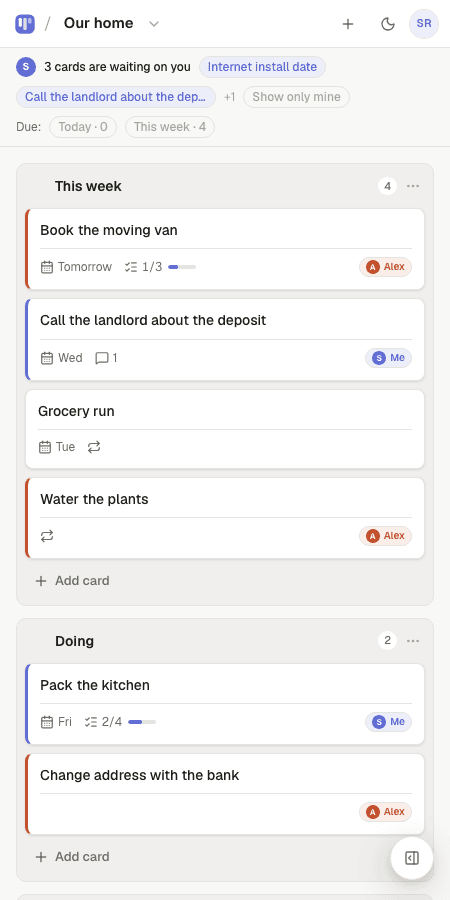
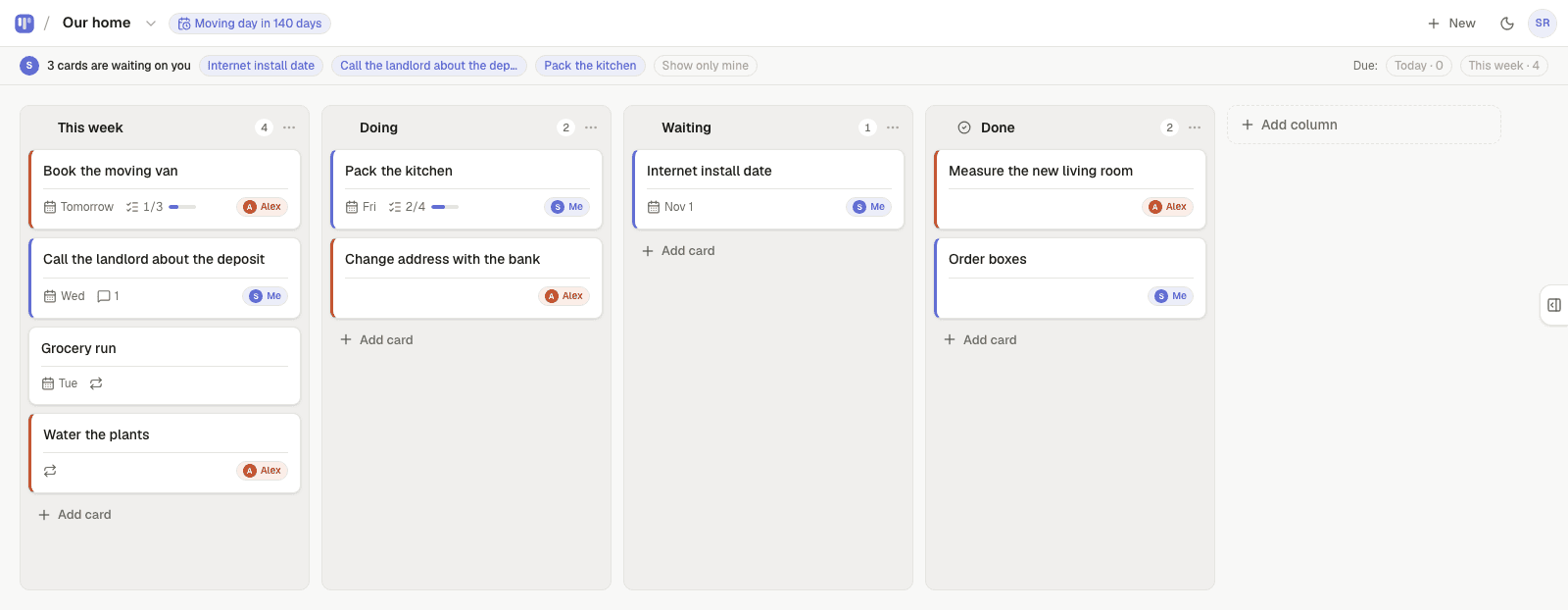
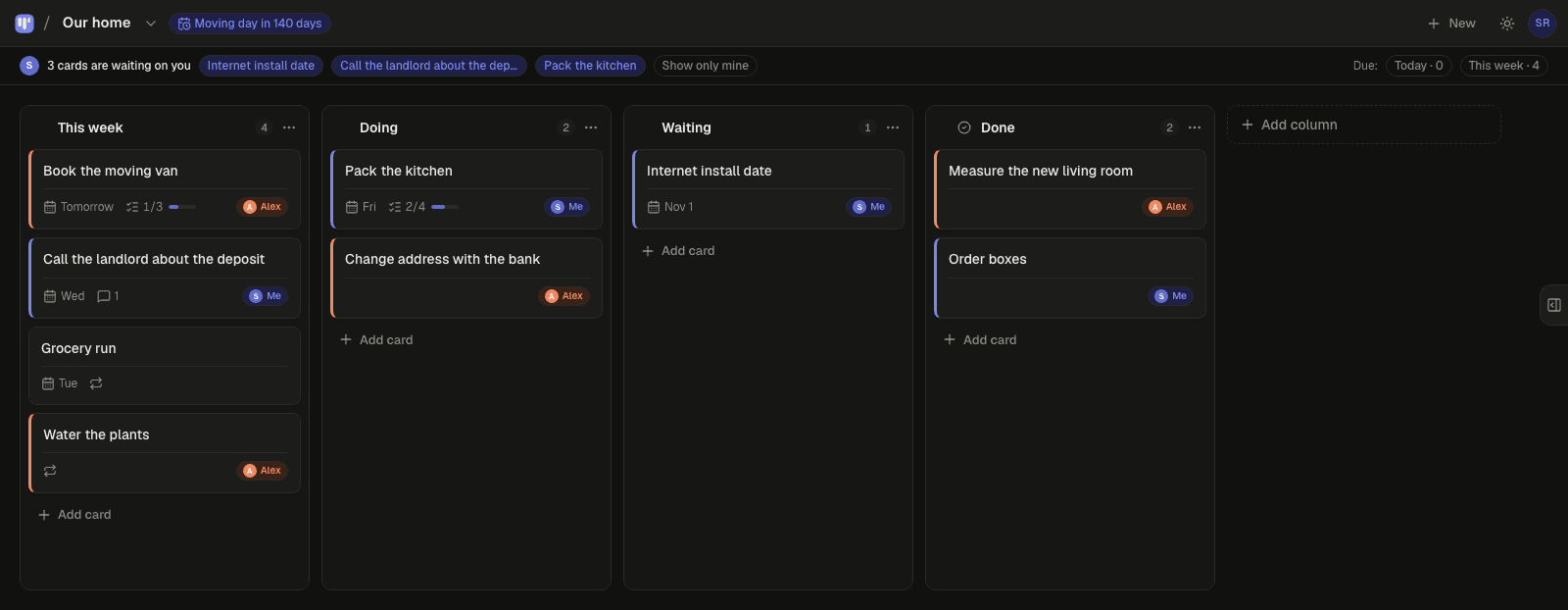
Where Notion gets heavy for a pair
- Someone has to be the Notion person. Databases, properties, views and templates need maintaining, and the one who maintains them owns the system.
- A kanban view in Notion is a view on a database. Ownership, recurring tasks and reminders are things you assemble from properties, formulas and automations.
- It is slow to open on a phone for a quick “what's waiting on me?”. A board for two should open in a second.
- The other person needs a Notion account and has to learn the workspace you built.
What Simpleban does instead
- A board with columns and cards. That's the whole product; it opens in under a second.
- Every card has an owner: you, your partner, or either of you. Hand one over and it shows as “waiting on you” on the other person's board, with an email if they're away.
- Repeating cards, due dates with a calm Today/This week filter, a calendar feed, countdowns, checklists in notes.
- The other person joins with a name and an email from your invite link. No workspace to learn.
- 40 templates that become a real board at signup, not a template you keep editing.
Side by side
| Notion | Simpleban | |
|---|---|---|
| What it is | All-in-one workspace builder | A kanban board for two people |
| Setup | Build pages, databases, views | Pick a template or a blank board |
| Ownership of tasks | Person property you add | Built in: you, your partner, or either of you |
| Handing work over | Change a property, maybe an automation | One tap; shows as “waiting on you” + email |
| Recurring tasks | Database automation / manual | Built in, can alternate between two people |
| Docs, wikis, databases, AI | Yes — its strength | No |
| Works offline | Partially | Installable app, offline reading |
| Price for two people | Free tier with limits; paid plans per seat | Free, every feature, written promise |
Who should stay on Notion
Anyone whose work is documents, wikis, databases or a knowledge base. Teams. People who enjoy building their own system — Notion is genuinely great at that. Simpleban is for the pair who built a Notion board, used 5% of it, and would rather have the 5% done well.
Templates to start from
Questions, answered
- Is Simpleban a replacement for Notion?
- Only for the kanban-board part. Simpleban has no pages, wikis, databases or AI. If a board for two is what you actually use, it replaces that cleanly; if you live in Notion docs, it doesn't.
- Can I import from Notion?
- Not automatically. Boards for two are small — most people recreate theirs in a minute, or start from one of the 40 templates.
- Is Simpleban free?
- Simpleban is free forever for two: you and the one person you invite get every feature, unlimited boards and cards, no trial and no credit card. The promise is written into the Terms: nothing that is free today will ever move behind a paywall, and your +1 never pays. If you need more people or want to share boards beyond your +1, we'll soon introduce subscription tiers — a flat rate, never per seat.
- Can I use Simpleban with a team?
- Simpleban is built for two people, and for two it stays free forever. If you need more people or want to share boards with someone new, we'll soon introduce subscription tiers — a flat rate, never per seat.
Just the board. Done well.
Try the live board on the homepage, no account needed.
Your board starts as “Personal kanban” — columns and example cards you can change or delete.
Try the live demo board first