For one person
Weekly planner app: plan the week on one board
Updated · by the Simpleban team
In short
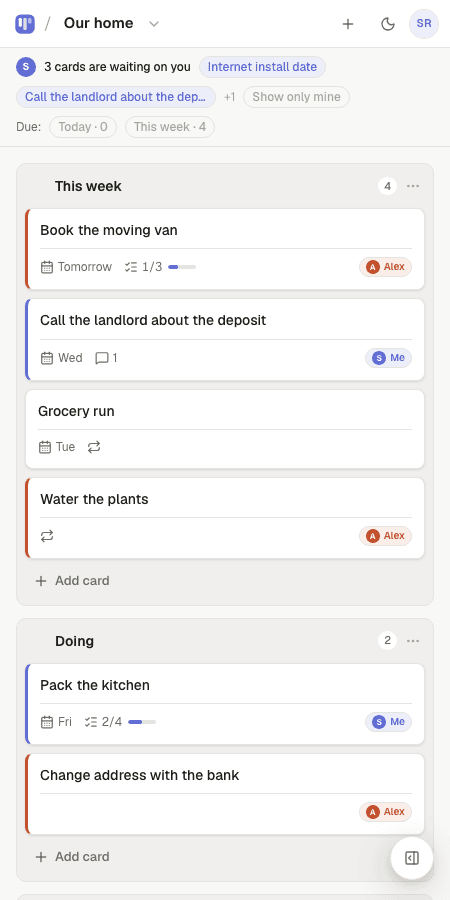
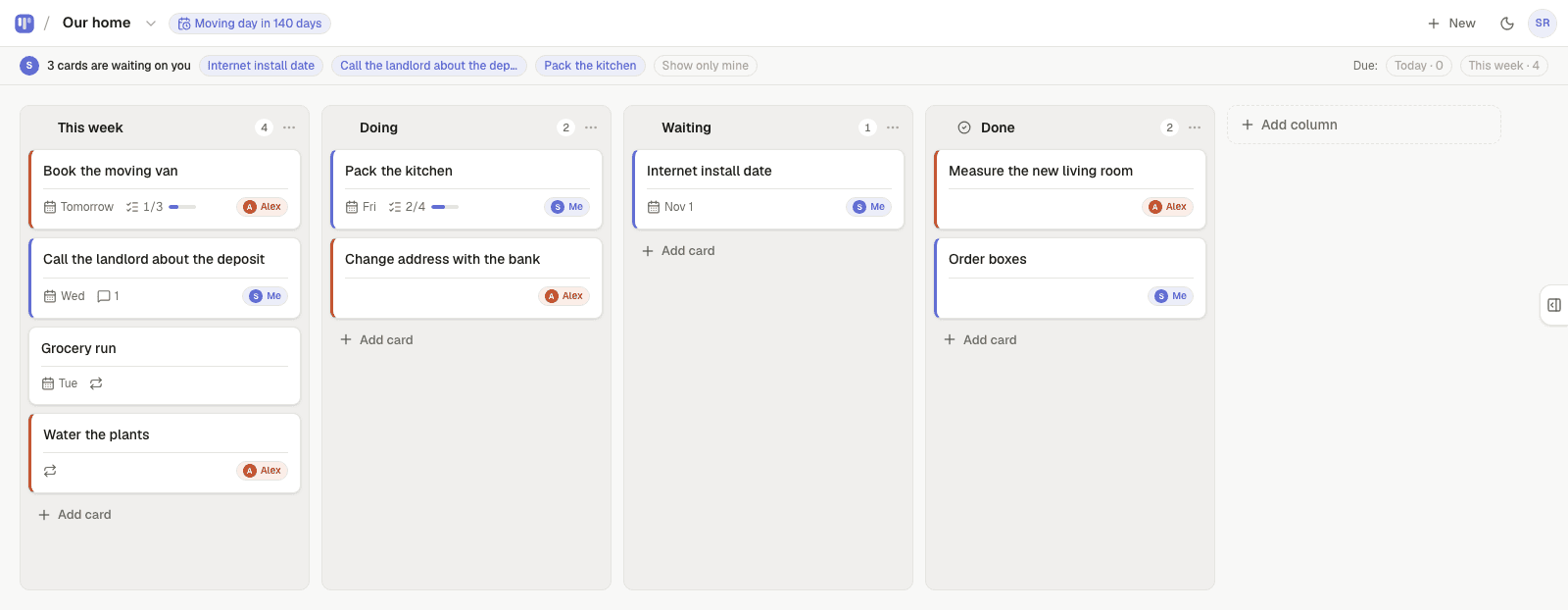
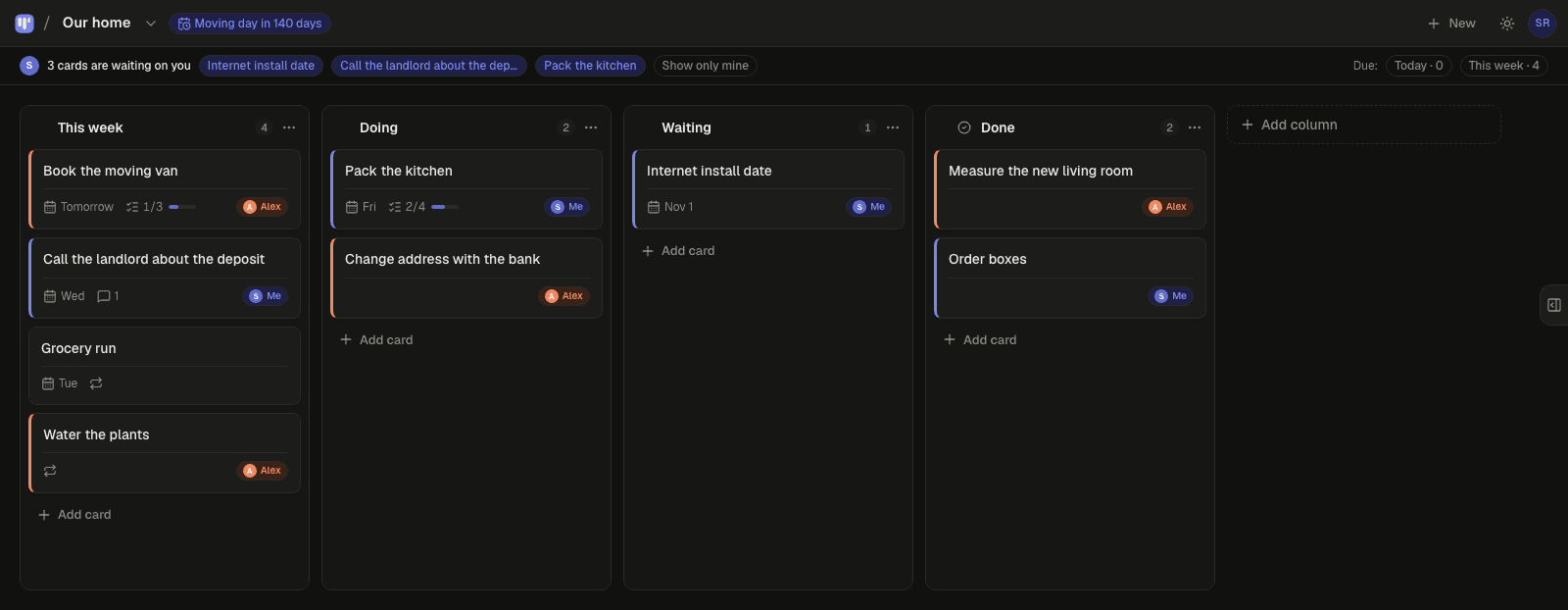
The simplest weekly planner is a board with a This week column: on Monday you pull the handful of cards that matter into it, during the week you move them through Doing to Done, and on Sunday you look at what's left. Simpleban is built for exactly that loop — quick add with dates in plain words, a Monday “your week” email, repeating chores that come back on their own, and My day for what's due today. Free, for one person or two.
The weekly loop
- Monday: pull 5–10 cards into This week — the Monday email lists what's open to choose from
- Every day: My day shows what's overdue and due today; move cards to Doing, then Done
- Sunday: whatever didn't move goes back to Someday or gets a due date — no guilt, just a decision
Dates without the calendar
Most weekly tasks don't need a time slot, they need a day. Type “Call the bank Thursday” and the card is due Thursday; type “Groceries next week” and it's a week out. The Today / This week filters show just those cards; the calendar feed puts due dates into Google, Apple or Outlook if you want them there.
Chores that come back
Bins on Sunday, plants every three days, rent on the 1st: set a card to repeat and it returns to the top of the board on its day. Nothing to re-add, nothing to remember.
Templates to start from
Questions, answered
- Is this a calendar?
- No — it's a board with due dates. Cards have a day, not a time slot, which is what most weekly tasks need. A private calendar feed is there if you want due dates in your calendar app.
- Can I plan with my partner too?
- Yes. The same board works for two: invite one person free and hand cards back and forth. On your own, nothing asks you to.
- Is it free?
- Yes, forever: unlimited boards and cards with every feature, no trial and no credit card.
Plan this week
Start from the weekly planner template — free, ready in ten seconds.
Your board starts as “ADHD weekly planner” — columns and example cards you can change or delete.
Try the live demo board first