For one person
Personal kanban board: a free board for just you
Updated · by the Simpleban team
In short
A personal kanban board is a to-do list laid out as columns — typically To do, Doing and Done — where each task is a card you drag to the right as it progresses. For one person it works better than a list because it shows motion: what you're actually doing right now, what's waiting, and what you finished. Simpleban gives you one free, with notes, checklists, due dates, repeating chores and a phone app, and never asks you to add anyone.
Why a board beats a list when it's just you
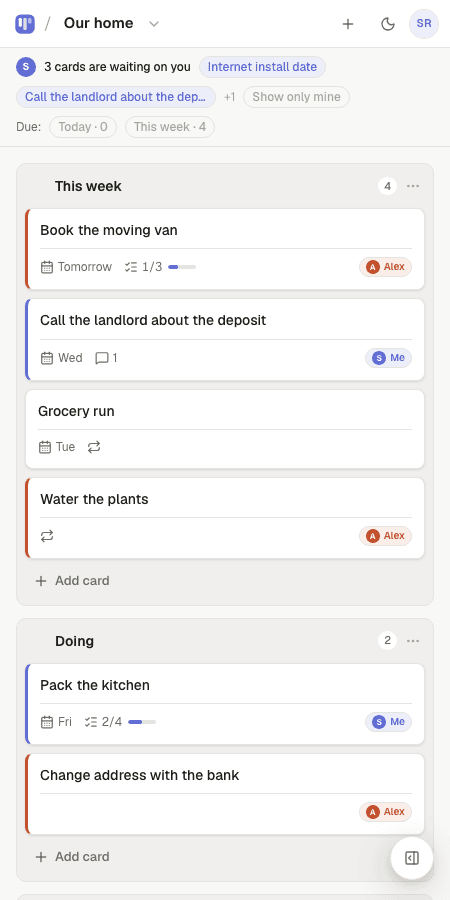
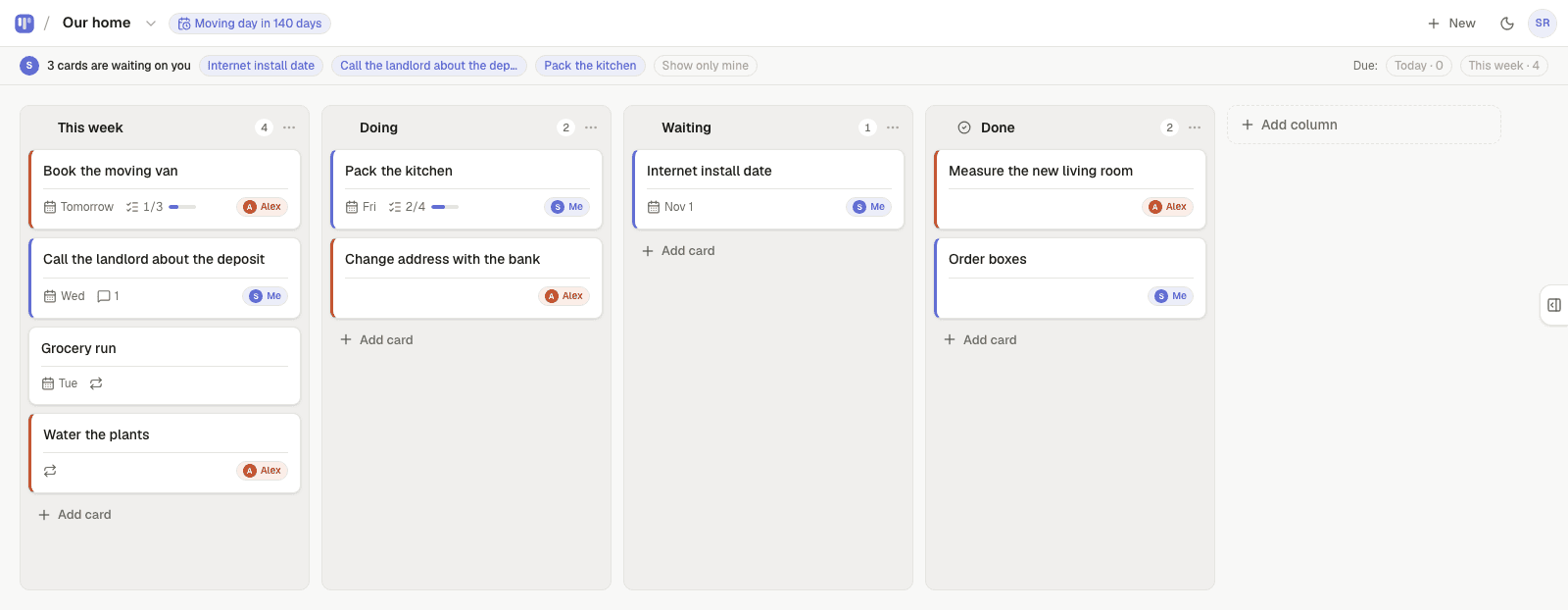
A list treats every item the same. A board gives each task a state, and the state is visible without reading anything. That one difference is why people who abandon to-do apps often stick with a board: a glance tells you whether the week is moving.
The second difference is the Doing column. Limiting what sits there — two or three cards — is the whole trick of personal kanban. It turns a pile into a sequence.
- To do holds everything you might do; keep it honest, not endless
- Doing is what you're on today — two or three cards, no more
- Done is the record; clear it on Sundays or leave it as a trophy case
Set one up in a minute
Start from the Personal kanban template or a blank board. Type what's on your mind as you'd say it — “Dentist Friday”, “Renew passport next week” — and the date is set as you type. Open a card for notes or a checklist when a task has parts.
Put repeating chores on repeat (weekly, every three days, monthly) and they come back on their own. Use the Monday email and My day to see what's open across every board.
What Simpleban adds for solo use
- Quick add with dates and repeats in plain words (“every Monday”), in nine languages
- Notes, one-click checklists, due dates and repeating cards
- My day: overdue, due today and this week across all boards
- A quiet Monday “your week” email — only if you have something open
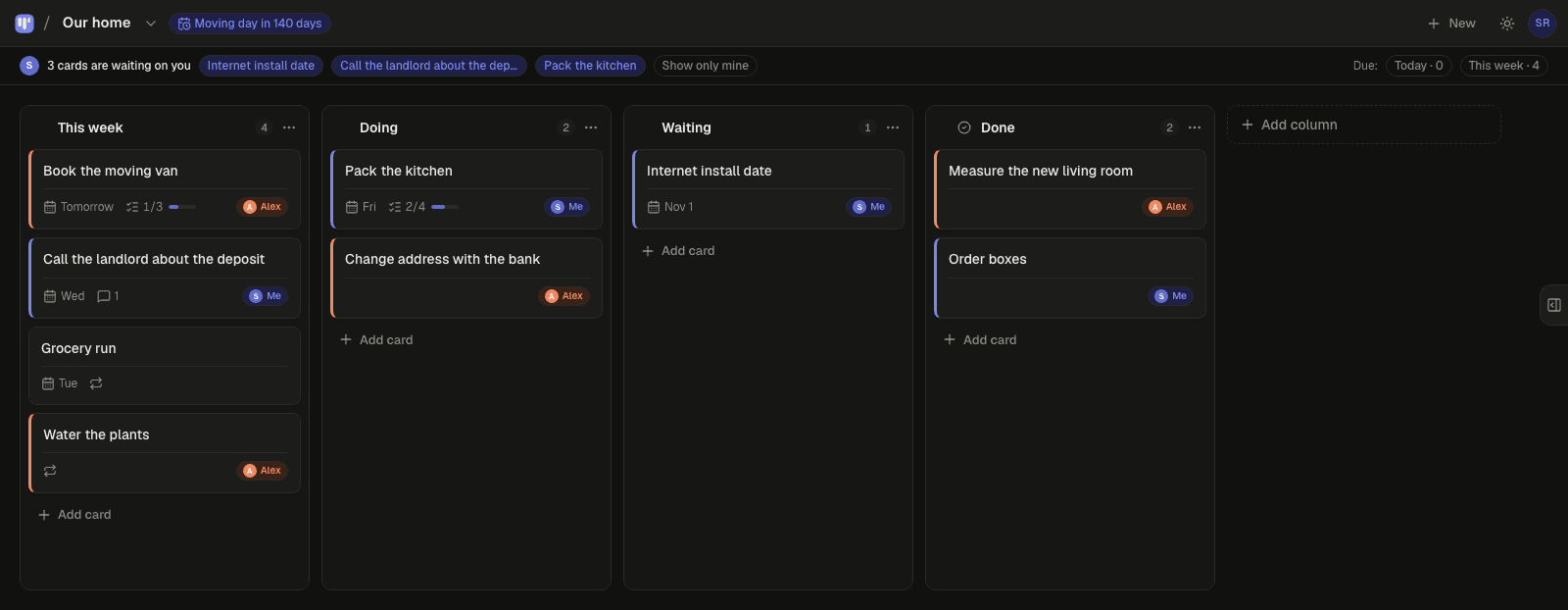
- Installable on phone and desktop, works offline, light and dark
- Free forever with every feature; no prompts to invite anyone
Templates to start from
Questions, answered
- Is a kanban board overkill for one person?
- No — it's three columns and your cards. The structure costs nothing and the Doing column gives you something a list can't: a clear picture of what you're on right now.
- How many columns should a personal board have?
- Three is enough: To do, Doing, Done. Add Someday if you keep a parking lot of ideas, or Waiting if you often wait on other people.
- Is Simpleban free for one person?
- Yes, forever: unlimited boards and cards, every feature, no trial and no credit card. If you ever share a board, one other person joins free as well.
- Does it work on my phone?
- Yes. Add it to your Home Screen and it opens like an app, works offline and syncs when you're back online.
Start your personal board
Template or blank — ready in ten seconds, free forever.
Your board starts as “Personal kanban” — columns and example cards you can change or delete.
Try the live demo board first