Weddings
Wedding planning checklist: 12 months to the day, for two people
Updated · by the Simpleban team
In short
A wedding planning checklist works in reverse from the date: lock the big, scarce things first (date, venue, photographer, celebrant), then the things with long lead times (dress, suits, invitations), then the details, then the week-of logistics. The part most checklists skip is ownership — writing down who is on each item — which is what actually stops one person becoming the planner. Below is the timeline, with a suggested split, and a one-click way to turn it into a shared board.
12 months out: the scarce things
- Agree the budget and who contributes what (both of you).
- Draft the guest count — it decides the venue (both of you).
- Pick a date, or two or three candidates (both of you).
- Book the venue and the celebrant or officiant (one of you owns the calls).
- Book the photographer and, if you want one, videographer — good ones go a year out.
- Decide on a planner or coordinator, or decide you are the planners.
9 months out: long lead times
- Dress, suits or outfits — fittings take months.
- Caterer and tasting date. Band or DJ.
- Wedding party: ask them.
- Save-the-dates out, especially for a destination or holiday-weekend date.
- Hotel room block for guests travelling in.
6 months out: the big decisions
- Florist, cake, hair and make-up trials.
- Invitations designed and ordered. Registry or gift plan.
- Honeymoon booked (passports valid?).
- Ceremony details: readings, music, vows plan.
- Rings.
3 months out: details
- Invitations sent, with an RSVP date about six weeks out.
- Menu finalised. Seating plan started (the card everyone dreads — make it a joint one).
- Transport for the day. Marriage licence rules checked for your country or state.
- Final outfit fittings. Gifts for the wedding party.
- Playlist and do-not-play list to the band or DJ.
1 month and the final week
- Chase RSVPs; final headcount to the caterer.
- Timeline for the day written and sent to vendors and the wedding party.
- Seating plan finished. Place cards, signage, favours.
- Payments and tips in envelopes. Vendor contact sheet to one responsible person who is not either of you.
- Week of: pick up outfits, rings, licence; rehearsal; pack for the honeymoon; sleep.
Turn this into a board the two of you share
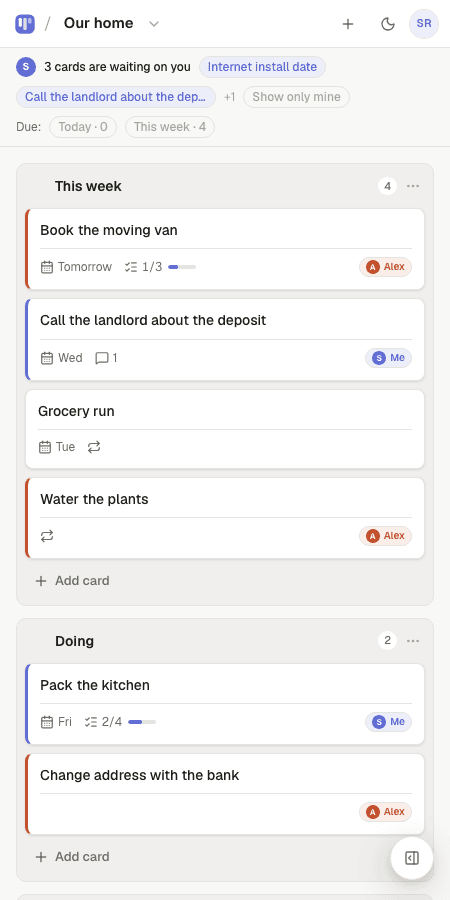
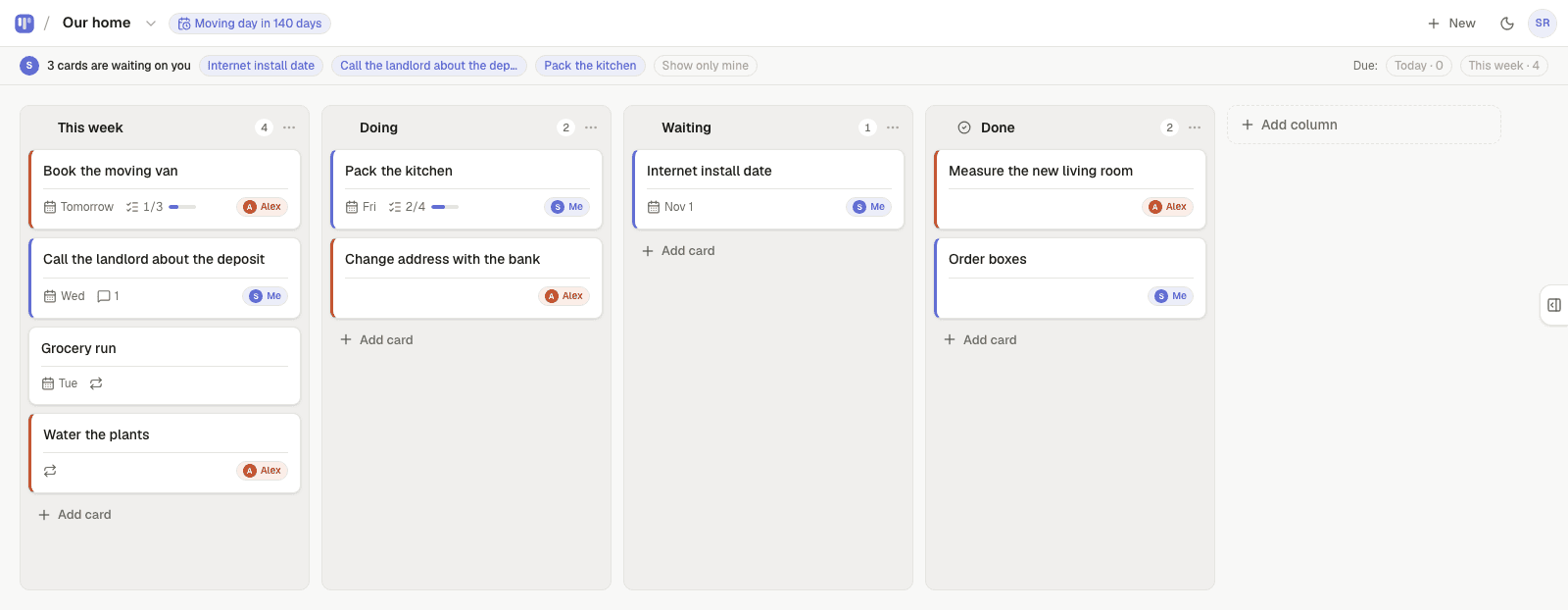
Every bullet above is a card. The Wedding planning template gives you the columns (Ideas · In motion · Booked · Done) and the starter cards; add the countdown, put due dates on the deadline cards, give each card an owner, and hand a card over when it needs the other person. That turns the checklist into something you both carry, instead of a document one of you maintains.
Templates to start from
Questions, answered
- When should we start planning a wedding?
- Twelve months out is comfortable for a weekend wedding at a popular venue; six months is possible if you are flexible on date or venue. The scarce things — venue, photographer, celebrant — are what set the clock.
- How do couples split wedding planning fairly?
- Write every task down, give each one an owner, and let the genuinely joint decisions be shared. Visible ownership matters more than a 50/50 count — the imbalance usually comes from one person holding the list.
- Is there a free app for this checklist?
- Simpleban's Wedding planning template is free for two people, with a countdown, due dates, an owner on every card, and handoffs. It doesn't do budgets or guest lists.
- What do most couples forget?
- The marriage licence timing, vendor meals, a timeline for the day, who holds the rings, and a contact person for vendors who is not the couple.
Make the checklist a board
The Wedding planning template has the columns and starter cards ready.
Your board starts as “Wedding planning” — columns and example cards you can change or delete.
Try the live demo board first