For couples
A shared to-do list for couples that doesn't turn into nagging
Updated · by the Simpleban team
In short
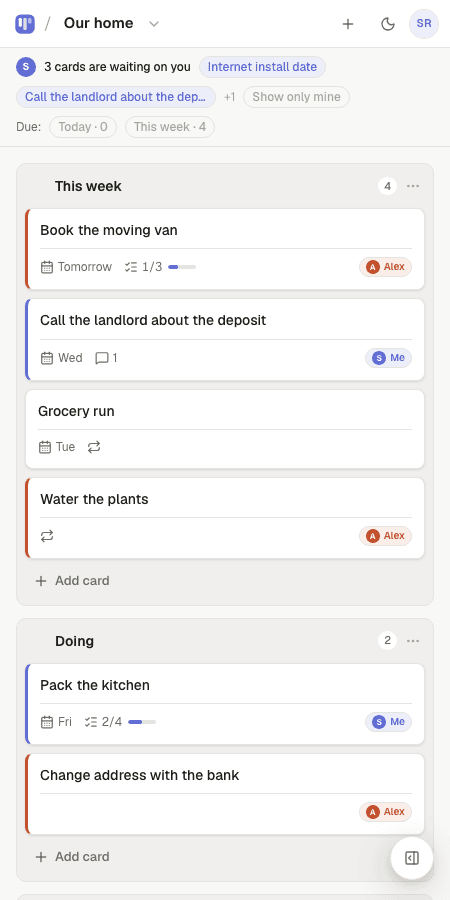
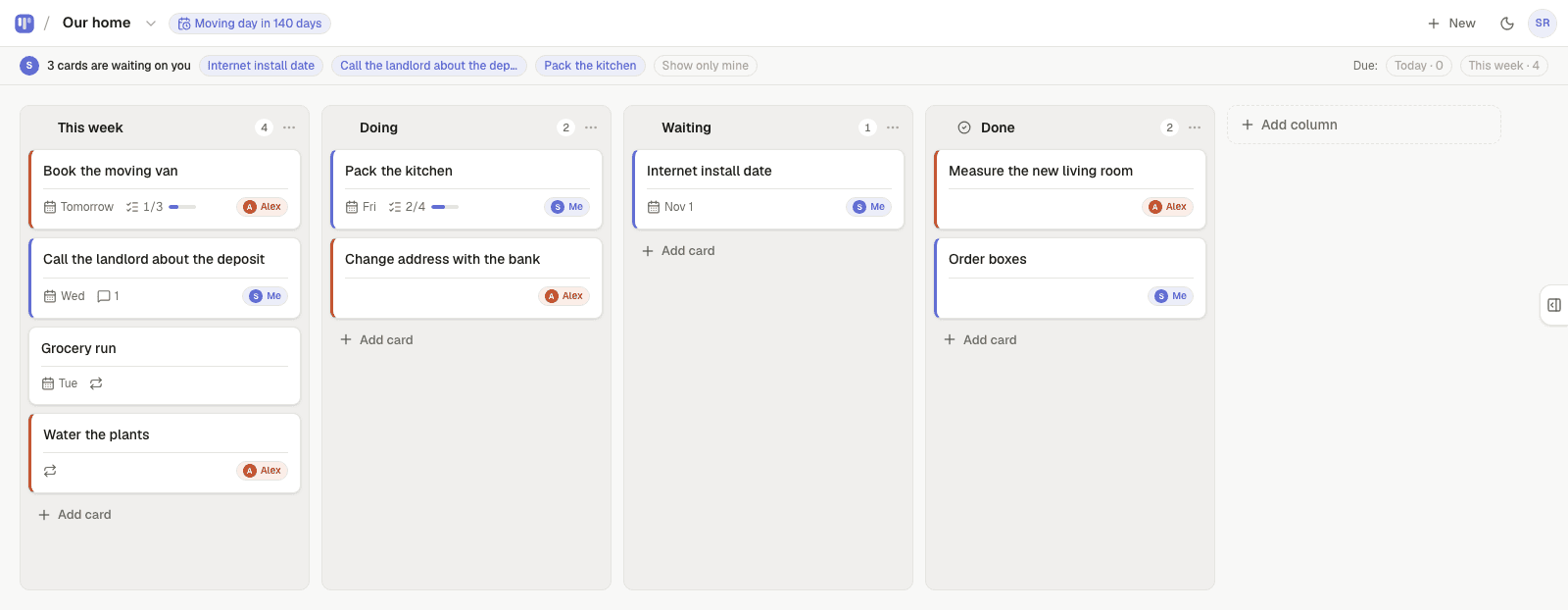
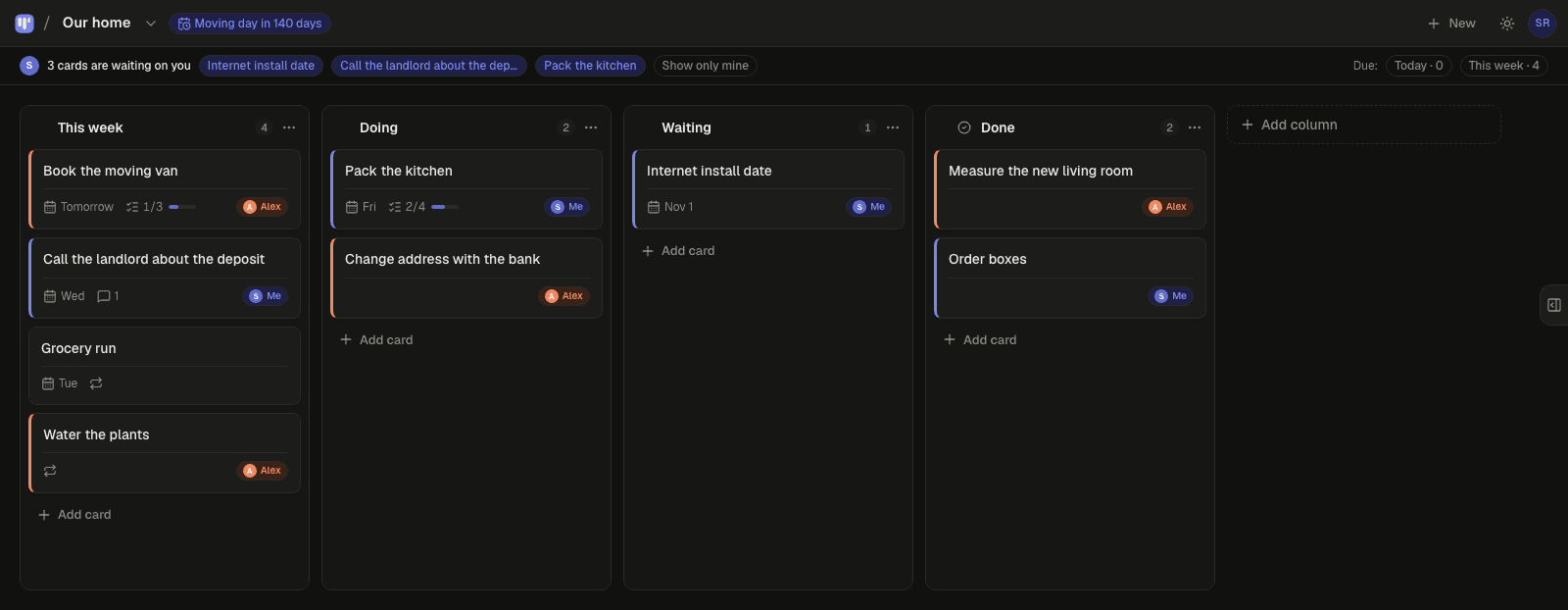
Most shared to-do apps fail couples for one reason: every item belongs to both of you, so nothing belongs to anyone, and one person ends up being the reminder. Simpleban is a free shared board for two people where every card has an owner: you, your partner, or either of you. Hand a card to your partner and it shows as “waiting on you” on their board — and in their inbox the next morning if it is still there — so the app does the reminding, not you.
Why shared lists usually fail couples
- No owner. “Book the car service” sits in a joint list until one of you asks the other about it, which is the nagging you were trying to avoid.
- No stages. A checkbox can't say “I called, waiting for them to call back”.
- Repeating chores are invisible. Laundry, bins and groceries are the bulk of household work and most lists make you re-add them.
- It lives on one phone. If one of you “has the list”, the other one is a guest.
How Simpleban does it instead
- Every card has an owner: you, your partner, or either of you. Ownership is one tap and visible to both of you.
- Hand a card over and it appears at the top of your partner's board under “waiting on you”. No message needed.
- If it is still waiting the next morning, they get one short email at 8am — never from you.
- Repeating chores come back on their own (every Saturday, every 3 days, monthly) and can alternate between you so nobody always gets the bins.
- Due dates are calm: a Today and This week filter, no red alarms. Add a private calendar feed if you want them in Google or Apple Calendar.
- A countdown on the board for the thing you are planning together — “Trip in 41 days”.
- Both of you have the full app on your own phone. It installs like an app and works offline for reading.
Set it up in two minutes
- Start from the Household chores or Home admin template (or a blank board).
- Send your partner the invite link. They join with a name and an email — no password, nothing to pay.
- They tap “I'll do it” on their cards; the rest stay open for either of you.
- Set the chores that repeat to repeat. Done.
Honest limits
Simpleban is built for two people, and for two it stays free forever. If you need more people or want to share boards with someone new, we'll soon introduce subscription tiers — a flat rate, never per seat. There are no shared calendars, grocery price tracking or chat; it is a board. If you want a family organiser with meal plans and a shared calendar for five people, look at a family app instead.
Templates to start from
Questions, answered
- What is the best shared to-do list app for couples?
- The best one is whichever makes ownership visible without reminders from your partner. Simpleban does that with an owner on every card, visible handoffs and a morning nudge email, and it is free for two people.
- Is Simpleban free for both of us?
- Simpleban is free forever for two: you and the one person you invite get every feature, unlimited boards and cards, no trial and no credit card. The promise is written into the Terms: nothing that is free today will ever move behind a paywall, and your +1 never pays. If you need more people or want to share boards beyond your +1, we'll soon introduce subscription tiers — a flat rate, never per seat.
- Can we both edit at the same time?
- Yes. The board syncs in real time and you can see when the other person is on it. Both of you have the full app on your own phones.
- Can chores repeat automatically?
- Yes. Set a card to repeat daily, weekly, on chosen weekdays, every N days or weeks, or monthly. When it is done it comes back on its due day, and it can alternate between the two of you.
- Does my partner need to install anything?
- No. They open your invite link, type a name and an email, and they are on the board. Installing it as an app is optional.
One board. Two people. No nagging.
Start from the household template and send your partner the link.
Your board starts as “Household chores” — columns and example cards you can change or delete.
Try the live demo board first