For one person
A simple task manager app: columns, cards, done
Updated · by the Simpleban team
In short
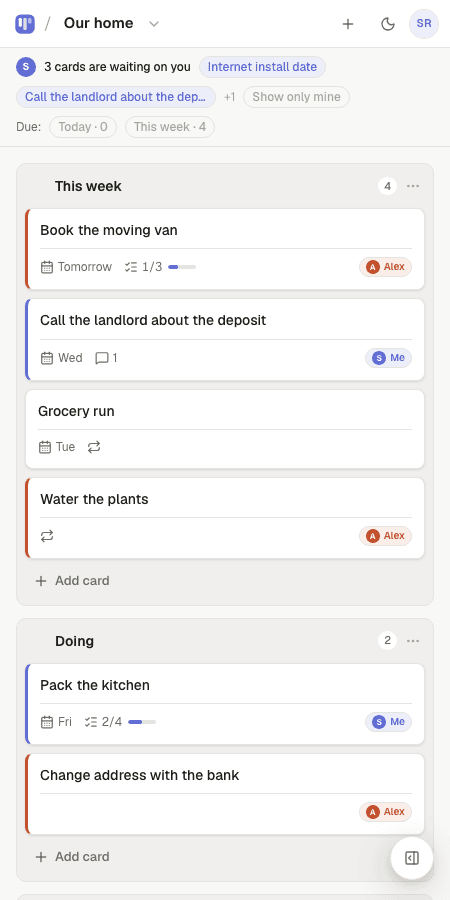
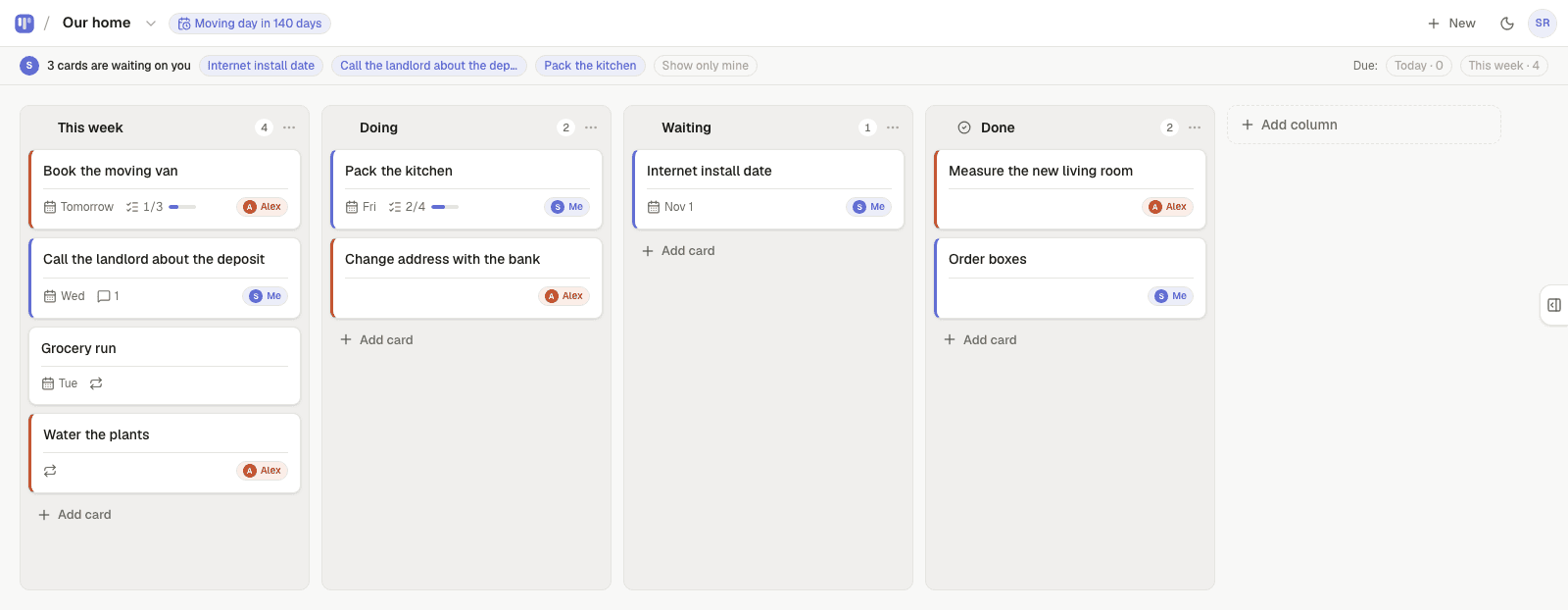
A simple task manager should do three things fast: capture a task in one line, show you what's next, and let you mark it done. Simpleban does those with a board — type “Fix the tap tomorrow” and it's a card due tomorrow; drag it to Done when it's done. There are no projects, labels, priorities or automations to set up, and it is free forever for one person (or two).
What “simple” means here
- One line to add a task; dates in plain words
- Three columns you can rename; no labels, no priorities, no tags
- Notes and a checklist inside a card, only when a task has parts
- Opens in under a second, works offline, nothing to maintain
What it deliberately doesn't do
No automations, no dashboards, no time tracking, no Gantt. Those are for teams of ten. For one person they are configuration you'll stop maintaining by week two — and the tool starts feeling like work. Simpleban is small on purpose so it stays open.
Compared with Todoist, Trello and Notion
| Simpleban | Todoist | Trello | Notion | |
|---|---|---|---|---|
| Add a task | One line, dates in words | One line, dates in words | Card form | Database row |
| See what's in motion | Doing column | List | Lists | Depends on setup |
| Setup needed | None | Projects | Workspace + lists | A system |
| Free for one person | Everything, forever | Limited | Limited | Limited |
Templates to start from
Questions, answered
- Is Simpleban a to-do list or a kanban board?
- Both, in the simplest sense: a to-do list laid out as columns. You get the one-line capture of a list and the visible state of a board.
- Can I use it without an account?
- Try the live demo board on the homepage. An account (10 seconds) saves your boards and syncs them across devices.
- Is it free?
- Yes, forever, with every feature. If you ever share a board, one other person joins free as well.
Try the simplest task manager
Free, no setup — your first board is ready the moment you sign up.
Your board starts as “Personal kanban” — columns and example cards you can change or delete.
Try the live demo board first