Real estate
A shared board for a real estate agent and their assistant
Updated · by the Simpleban team
In short
An agent and an assistant don't need a CRM to run the day — they need to know who is doing what on each listing. Simpleban is a free shared kanban board for exactly two people: each listing or transaction is a card moving from Prospect to Listed to Under contract to Closed, and the dozens of tasks around it (photos, staging, disclosures, lockbox, inspection, appraisal, keys) are cards owned by one of you. Hand one to the assistant and it's “waiting on you” on their phone; due dates keep the contract deadlines visible.
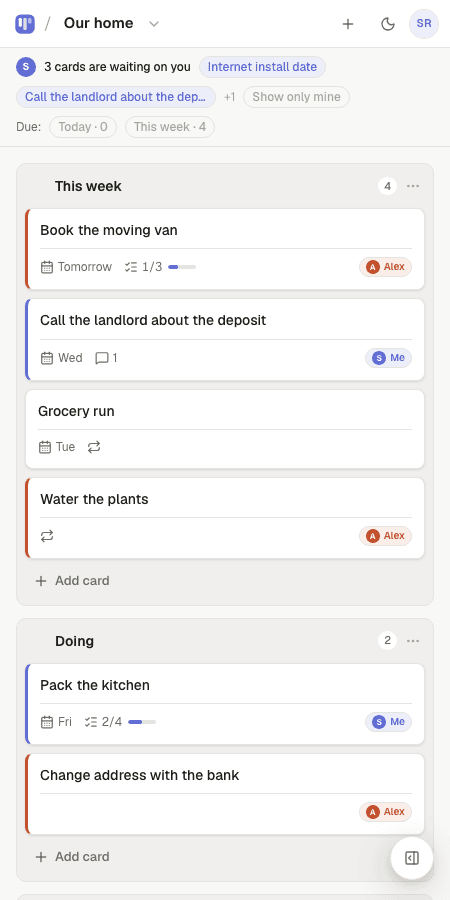
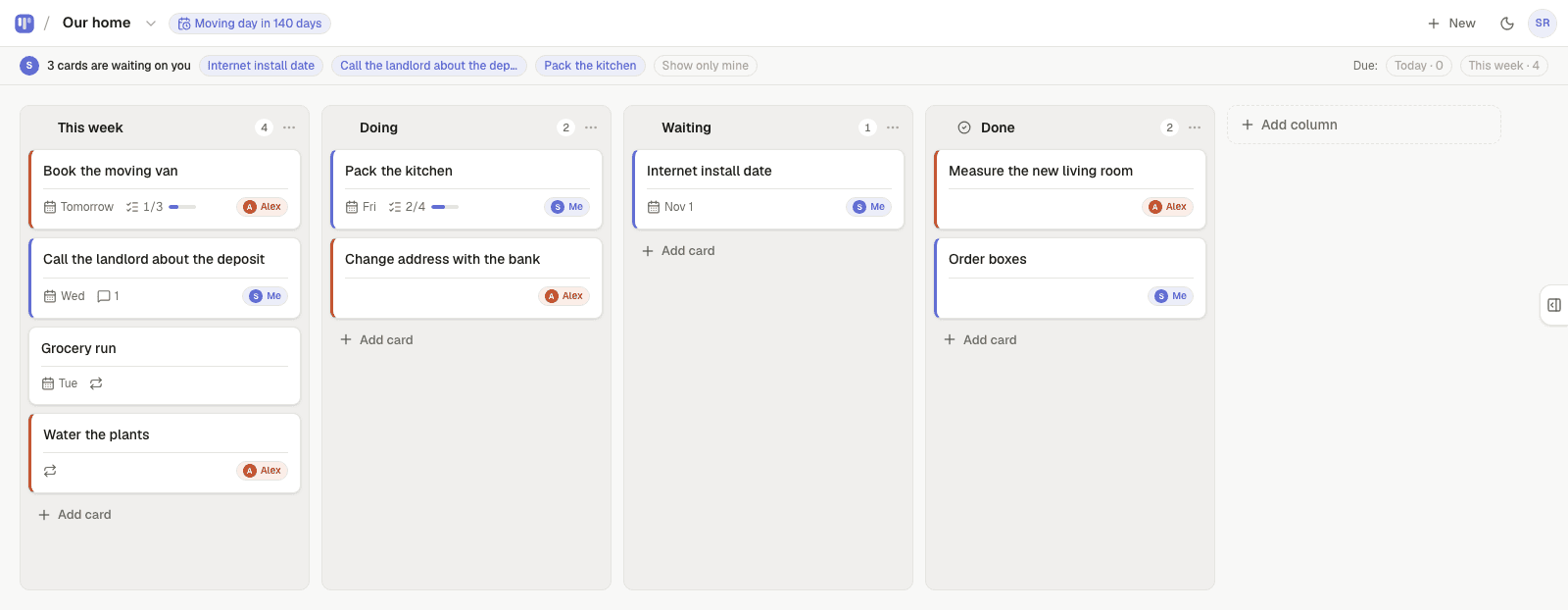
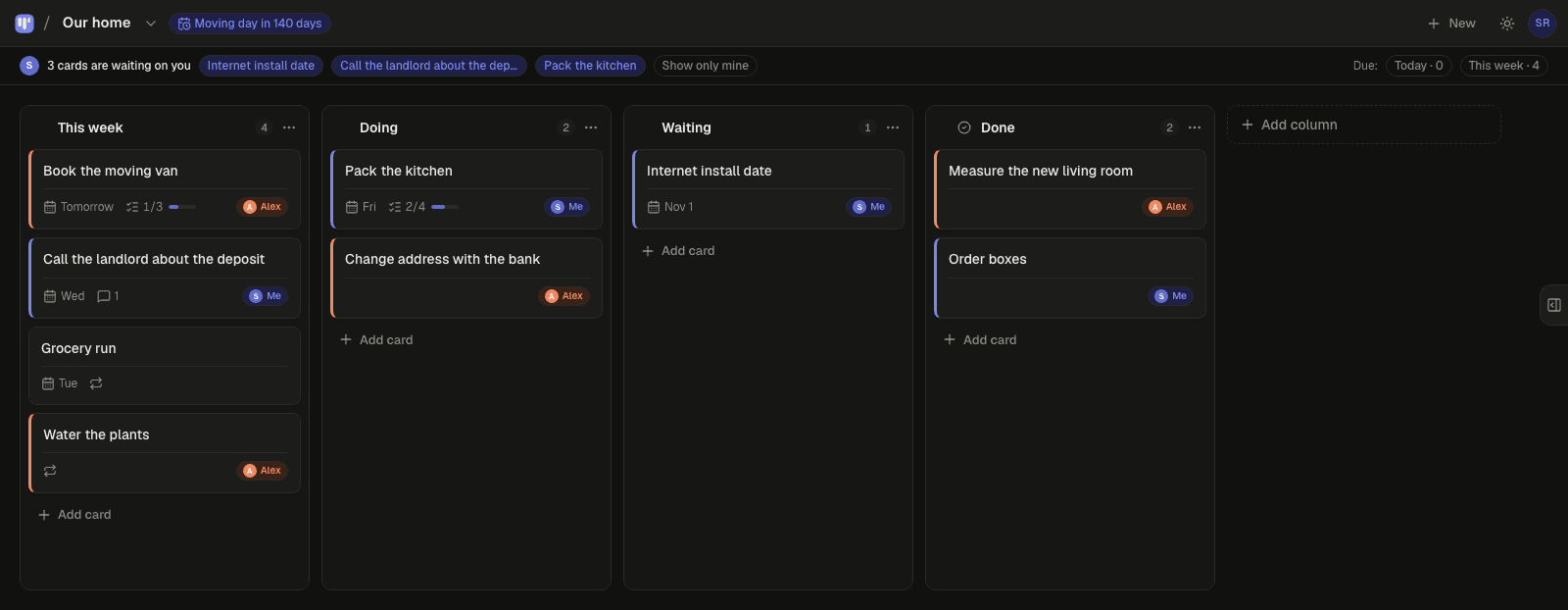
Two ways to set up the board
Most pairs keep one pipeline board plus one task board per busy month. Use notes on the deal card for the key dates and contacts.
| Setup | Columns | Best when |
|---|---|---|
| By stage | Prospect · Listed · Under contract · Closed | You want one glance at the whole pipeline |
| By week | This week · Waiting on others · Done | Volume is high and tasks matter more than deals |
How the handoffs work
- Every card has an owner: you, your assistant, or either of you — so “who is on this?” is answered before anyone asks.
- Hand a card to your assistant and it moves to the top of their board under “waiting on you”. If they're not on the app, Simpleban emails them a few minutes later, and the next morning's 8am email mentions it once if it's still waiting — never every day. You never press a “remind” button.
- When your assistant is done, they hand it back and it reappears at the top of your board.
- Repeating cards come back on their own schedule — daily, weekly, chosen weekdays, every N days, monthly — and can alternate between the two of you.
- Due dates with a calm Today / This week filter, a private calendar feed for Google, Apple or Outlook, and a countdown on the board for the date that matters.
- Notes, checklists and comments live inside each card, so the context travels with the task.
- Repeating cards for the weekly things: update listings on the portals every Monday, follow-up calls every Thursday.
- Your assistant joins from your invite link with a name and an email — no password, nothing to pay. Both of you have the full app on your own phone; it installs like an app and works offline for reading.
What it isn't
Not a CRM, not a transaction management system, no e-signatures or MLS integration. It's the board between the two of you that stops “did you send the disclosures?” being a text. Compliance documents live where they live today.
Templates to start from
Questions, answered
- Does it integrate with my CRM or MLS?
- No. Simpleban has no integrations. It's the task board between you and your assistant; the systems of record stay where they are.
- Can I track contract deadlines?
- Put a due date on the card and it shows in the Today / This week filter and in your calendar feed.
- Does my assistant pay?
- Simpleban is free forever for two: you and the one person you invite get every feature, unlimited boards and cards, no trial and no credit card. The promise is written into the Terms: nothing that is free today will ever move behind a paywall, and your +1 never pays. If you need more people or want to share boards beyond your +1, we'll soon introduce subscription tiers — a flat rate, never per seat.
- Can I use it with more than two people?
- Simpleban is built for two people, and for two it stays free forever. If you need more people or want to share boards with someone new, we'll soon introduce subscription tiers — a flat rate, never per seat. Until then, read-only share links let anyone else follow a board without editing.
Every listing, every task, one owner
Start from the Sales pipeline template and invite your assistant.
Your board starts as “Sales pipeline” — columns and example cards you can change or delete.
Try the live demo board first